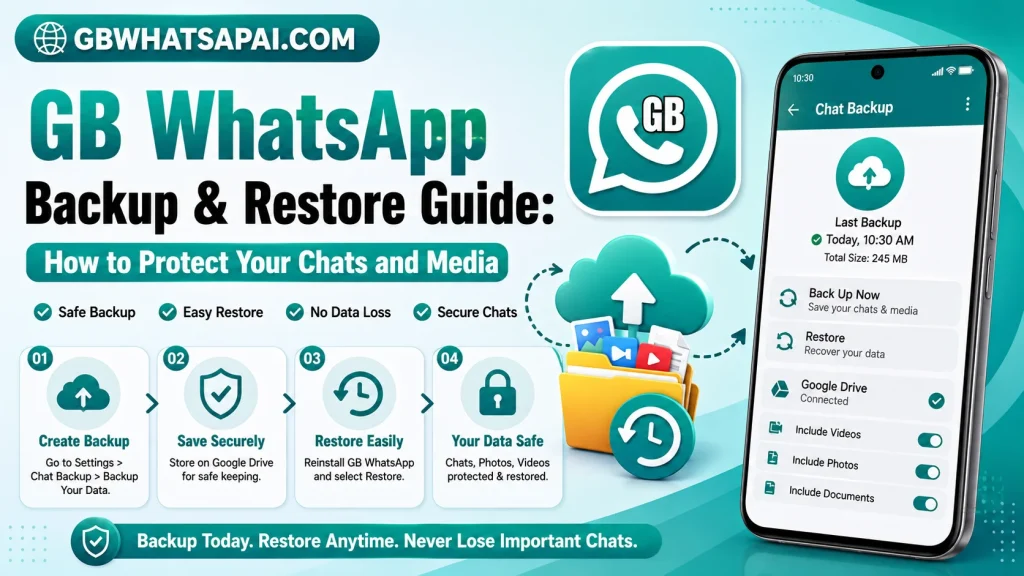
GB WhatsApp Backup & Restore Guide: How to Protect Your Chats and Media
Backing up your chats and media is one of the most important steps to take before changing, updating, or reinstalling a messaging application.
GB WhatsApp users should be particularly careful because it is a third-party modification and backup compatibility can vary between versions.
Why Is a Backup Important?
A backup can help protect important conversations, photos, videos, documents, and other information.
Without a suitable backup, uninstalling or changing an application may result in permanent data loss.
What Should You Back Up?
Before making major changes, consider protecting:
- Important conversations
- Photos
- Videos
- Documents
- Voice messages
- Contact information
- Other important media
Step 1: Review Your Existing Data
Open your current messaging application and identify the information you do not want to lose.
Important files should also be copied to a separate secure location when possible.
Step 2: Create a Backup
Use the backup options available in your current application and device.
The exact process can vary depending on the version of GB WhatsApp, Android version, and storage method being used.
Do not assume that a backup created by one modified version will always restore correctly to another version.
Step 3: Keep a Separate Copy
For particularly important photos, videos, or documents, keep a separate copy outside the messaging application.
This gives you an additional layer of protection if the application backup fails.
Step 4: Install or Update Carefully
After protecting your data, you can proceed with an update or application change.
Avoid deleting your existing data until you have confirmed that your backup is available and usable.
Step 5: Restore Your Data
If the application supports the backup format, follow its restoration process after installation.
Carefully review the available backup options before selecting a restore method.
What If the Restore Does Not Work?
Backup restoration can fail because of incompatible versions, missing backup files, corrupted data, storage problems, or differences between applications.
Do not immediately delete the backup. Keep your original copy safe while troubleshooting the problem.
Tips to Avoid Data Loss
Back Up Before Every Major Change
Create a fresh backup before updating, uninstalling, or switching applications.
Keep Multiple Copies
Important photos and documents should not exist in only one location.
Do Not Delete the Old Backup Too Quickly
First confirm that your restored information is complete.
Avoid Random APK Versions
Installing different modified versions repeatedly can create compatibility problems and increase the risk of data loss.
Is GB WhatsApp Backup the Same as Official WhatsApp Backup?
Not necessarily.
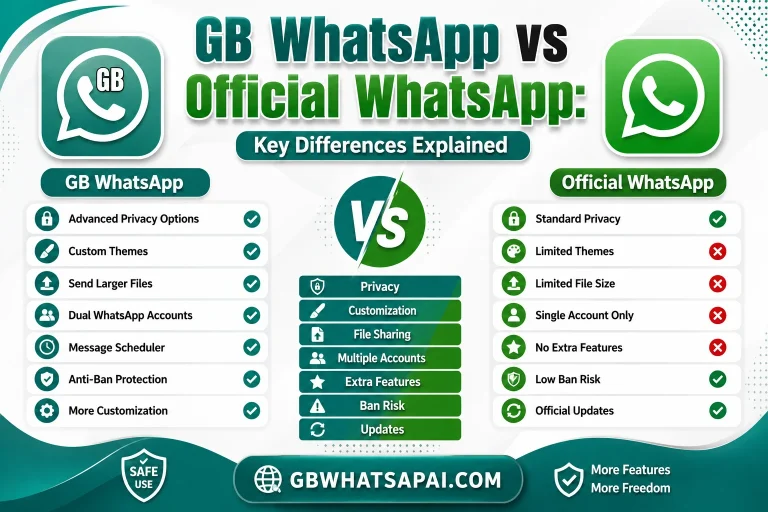
GB WhatsApp is a modified third-party application, so its backup and restore behavior may differ from the official WhatsApp application.
Users should verify compatibility before relying on a backup.
Final Thoughts
A reliable backup is essential for anyone using a messaging application, especially before an update or major change.
GB WhatsApp apkpure users should take extra precautions because third-party versions can have different backup and restore behavior. Protect important data with multiple copies and never delete your only backup until you know your information has been successfully preserved.
FAQs
Should I back up GB WhatsApp before updating?
Yes. Creating a fresh backup before an update is a sensible precaution.
Can every GB WhatsApp version restore the same backup?
Not necessarily. Compatibility can vary between versions.
What should I do if my restore fails?
Keep the original backup safe and check compatibility, storage, and backup-file availability before trying further changes.
Can I lose my chats when changing versions?
Yes, data loss is possible if the backup is missing, corrupted, or incompatible. Always create a backup before changing versions.